
Sites and beacons
Indoor positioning beacon management for every floor of every site
GPS stops at the front door. With floor plans, beacons and Wi-Fi, an alarm from inside a building tells responders the floor and the zone, not just the address.

- Floor 2
- Zone C
- Man down in Zone C
- Emerit e-BBE9
- TWIG SRD
Room level
Always, and 1 to 5 m with dense BLE beacons
24+ months
Typical beacon battery life
0
Extra cost per beacon
An alarm indoors
From beacon signal to the right door
Step 1 · Listening
The device hears the beacons
A TWIG or Emerit device, or the Cuebly app, picks up the beacons around it, each with its own ID and signal strength.
Step 2 · Reporting
It sends what it hears
With its regular updates, or only when an alarm goes off, the device sends the beacon IDs and signal strengths to Cuebly.
Step 3 · Placing
Cuebly puts it on the floor plan
The strongest beacon gives the room or zone. With three or more beacons in range, Cuebly calculates a more precise spot. Priorities and limits per beacon fine-tune it for tricky spots.
Step 4 · Alarm
The message names the place
Because beacons have names like “Warehouse Zone C”, the SMS, voice message or app alert says where the person is.
Step 5 · Response
Help goes straight there
Colleagues and the alarm centre see the floor plan with the position, so nobody searches the whole building.
Structure
A building, its floors and its rooms
Draw each customer’s locations the way they are built, with geofences and beacons.
The building
A geofence around the whole site or building, such as a hospital campus or a distribution centre.
Floors
A geofence per floor, on a floor plan scaled to the real size.
Rooms and zones
Named beacons mark rooms and areas, like Operating Room 3 or Warehouse Zone C.
Messages that name the place
“Alarm in Warehouse Zone C on floor 2”: the message is built from the beacon and the floor.
Escalation by place
First the floor, then the building
Same floor first
An alarm goes to everyone in the same floor geofence: the people closest to the scene.
Then the whole building
Nobody accepts in time? The scenario escalates to everyone in the geofence around the building.
Then the control room
And if needed further, to your own control room or an alarm receiving centre.
Managing it
Beacons you can keep track of
For every customer, from the same platform.
Floor plans and placement
Upload a floor plan, drag the beacons onto it and see their range, so you can spot gaps and overlap before anyone is on site. Dense coverage where it matters, fewer beacons where a zone is enough.
Register in bulk
Enter a beacon ID and type, or import hundreds of beacons from a CSV file.
Names that help
Call a beacon “ER entrance” and that name appears in alarm messages and on the service list.
Geofences on the floor
Enter, leave or stay too long in a zone, and a scenario starts: an alert, a message or an alarm.
Beacon health
Battery level and last seen for every beacon, with a warning before one goes quiet.

Fixed places for fixed buttons
Give a device its own spot on the floor plan, dragged into place like a beacon. The alarm then always shows that spot, whatever the device reports. Perfect for panic buttons under desks, at counters or next to a bed.

Every customer’s sites in one view
From the reseller environment you see which customers have beacons that need a new battery soon and which models last longest in practice. Each customer’s zones and rules stay separate.
Fine-tuning
For buildings that don’t play along
Real sites have walkways, cold stores and steel. These tools handle the edge cases.
Priorities and limits per beacon
A walkway above a production hall? Weak beacons with a higher priority on the walkway make sure you always know whether the alarm is in the hall or up on the walkway.
Combine every technology
BLE, SRD, Wi-Fi and GNSS can be mixed on the same site, so each area uses what works best there.
Door sensors
Door sensors add their own events, for example when a door to a restricted area opens.
Gates instead of full coverage
Who is in which cold store?
You don’t need beacons everywhere. The last beacon someone passes is their location.
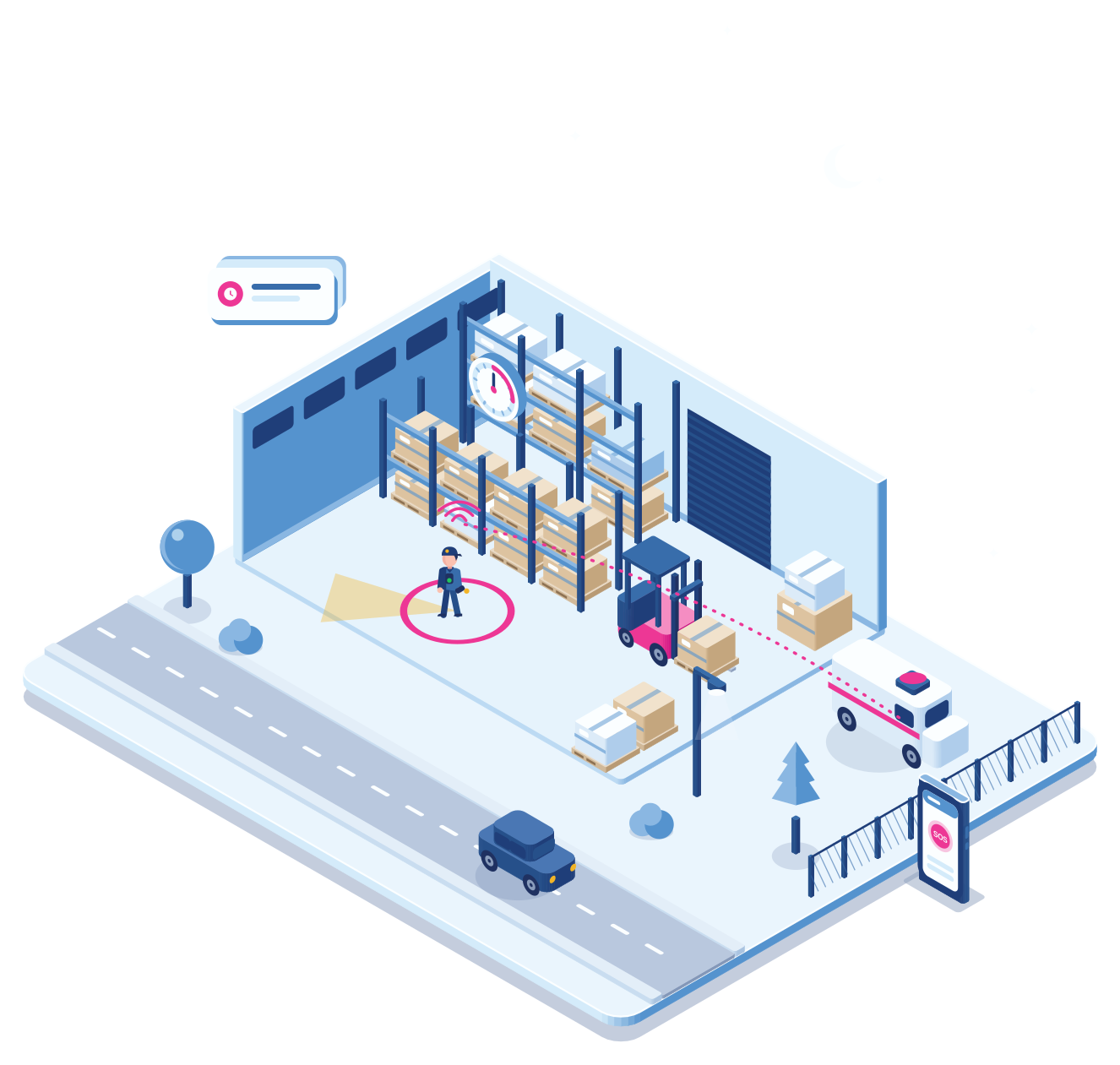
In large distribution centres, cold stores run at minus 40 degrees Celsius. Batteries and beacons don’t last long inside. Forklifts drive in and out through speed gates, so a beacon hangs at each door. Cuebly knows who went into which cell. If something goes wrong in there, someone has to be out within ten minutes, and now the responders know exactly which door to open.
- No beacons needed inside the cold store
- The last gate passed is the location
- Works for tunnels, yards and long corridors too
Technology
Beacons, Wi-Fi or both
Mix them per site, depending on the accuracy you need and the budget.
BLE beacons
Emerit e-BBE9, iBeacon, Eddystone
The most precise option: 1 to 5 metres with dense placement. A range of 10 to 50 metres per beacon, depending on the building.
Wi-Fi
Existing access points
No hardware to buy. Usually 5 to 15 metres, because there are fewer access points than beacons. Needs a one-time survey of the access points.
RF
TWIG SRD
Compact beacons for industrial and logistics sites, with a battery life of 24 months or more. Strong in buildings full of metal.
Where it is used
Three kinds of sites
Hospitals and care
Night shifts and remote wings
A nurse alone on a ward presses the alarm. Security goes to the right floor and room, and geofences warn when a patient leaves a secure area.
Factories and warehouses
Hazardous zones
Zone-level positions are enough in most halls. Beacons go where the risk is, around machines and chemical storage, and a zone rule raises an alarm if someone stays too long.
Campuses and offices
Many buildings, one plan
Beacons in the areas that matter most and Wi-Fi in the rest keeps costs down, while security still knows which building and floor to go to.

★★★★★
Cuebly enables us to deliver highly tailored solutions for complex customer requirements. Their platform lets us turn simple incoming alarm data into precise, custom outputs, fully controlling structure, triggers, and scenarios. With fast, engaged support and an openness to feedback, Cuebly stands out as a reliable and flexible partner.
Linus P. Hellsten
Head of Technical Support (LWP), Almas Industries DE
Explore
More about the platform
How the Cuebly app uses beacons in the Pro plan.
Add, configure and follow every device, whatever the brand.
How devices, customers and alarms come together.
Questions
Frequently asked questions
Emerit e-BBE9, TWIG SRD and any iBeacon or Eddystone beacon, such as BlueUp, Teltonika or Zebra. Wi-Fi positioning on existing access points works too. You can mix them on one site.
It depends on the technology and how many beacons you place. Dense BLE coverage, about one beacon every 10 metres, gives 1 to 5 metres. Standard coverage, about one every 20 metres, gives 5 to 10 metres. Wi-Fi gives 5 to 15 metres. For most safety work, knowing the room or zone is enough.
No. Beacons are included in the device price, however many you place.
Emerit e-BBE9 and TWIG SRD beacons typically last 24 months or more at moderate settings. Other BLE beacons range from 6 to 48 months. When the beacon sends its battery level, Cuebly shows it and warns you before it runs out.
Yes. Wi-Fi positioning uses the access points that are already there, so there is no hardware to buy. It is usually less precise because there are fewer access points than beacons. Many sites use Wi-Fi in offices and car parks and beacons where it matters most.
Upload the floor plan as a PNG, scale it to the real size and drag the beacons onto it. When the building changes, upload a new plan and move the beacons. Nothing changes on the devices.
Yes. Draw a zone on a floor plan and choose what happens when someone enters it, leaves it or stays too long. Each customer has its own zones and rules.
No. Beacons can work as gates: the last beacon someone passes is their location. That is how cold stores, tunnels and long corridors are covered without full coverage.
Yes. BLE, SRD, Wi-Fi and GNSS can be combined on one site, and priorities and limits per beacon fine-tune the result for places like a walkway above a hall.
Yes. Drag the device onto the floor plan like a beacon and it gets a fixed place. Whatever the device reports is ignored, so an alarm from a button under a desk always shows that desk.
TWIG devices such as the TUP93EU and TUP92EU detect BLE beacons, SRD beacons and Wi-Fi access points. Emerit e-RG360 and e-WG200 trackers detect BLE beacons, e-BBE9 beacons and Wi-Fi. The Cuebly app uses beacons in the Pro plan.
Demo
See a floor plan come to life
In the demo we upload a floor plan, place beacons, draw a zone and send an alarm from inside it.