
Use case · Security companies
Sell personal safety to your clients, from your own control room
Panic buttons under your client’s reception desk, wearables and the app for their staff. You sell it as part of your security contract, and every alarm lands in your own control room, under your own name.
- Ajax Button
- Wall call point
- Panic at reception
- TWIG One
- Cuebly app
How it works
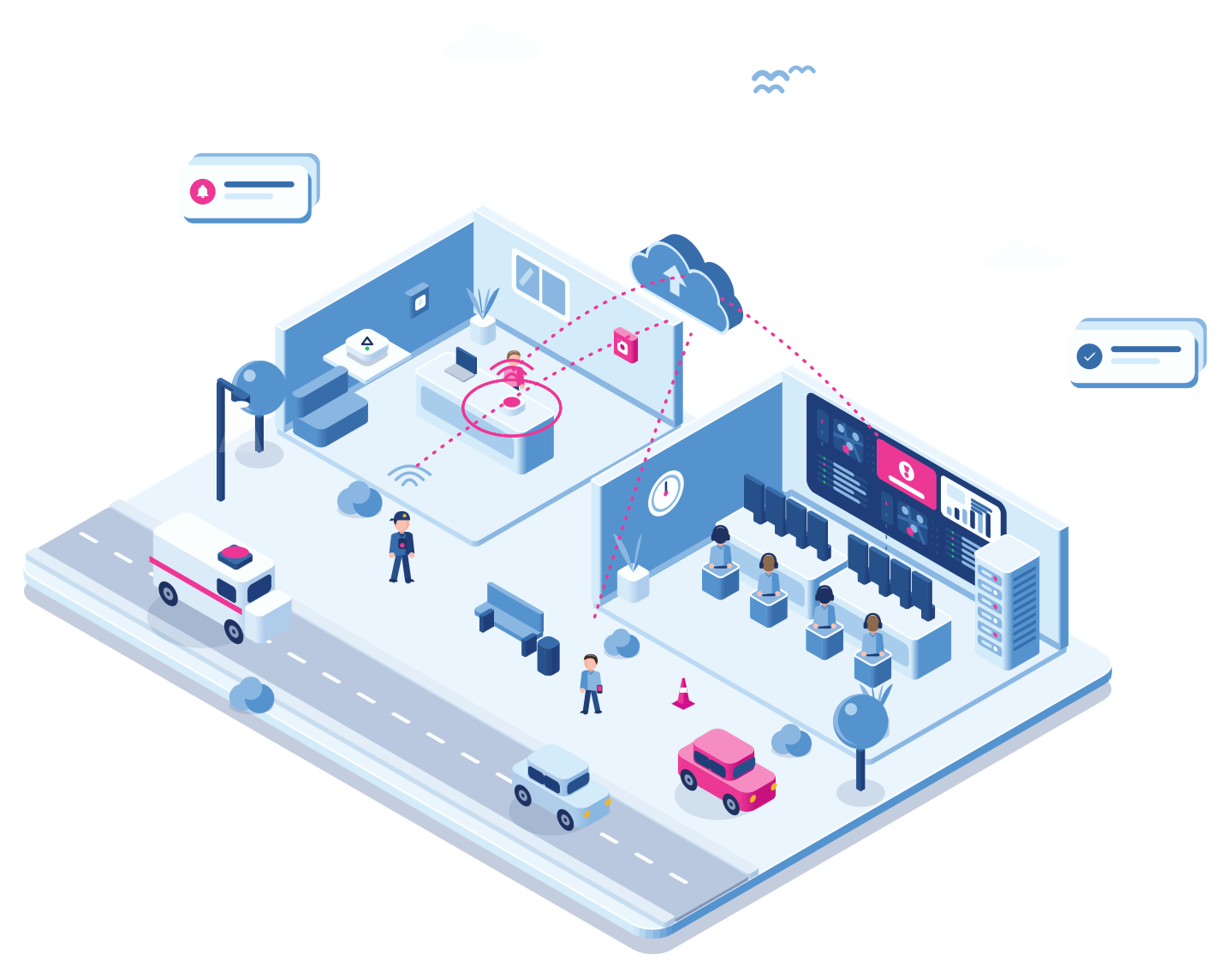
A panic button at a client’s reception
Step 1 · Button
The receptionist presses the button
An aggressive visitor at the front desk. The receptionist presses the Ajax Button under the desk, without anyone noticing.
Step 2 · Hub
The Ajax Hub passes it on
The hub already in the building sends the event to Cuebly, with the button and location it came from.
Step 3 · Control room
Your control room sees it
The alarm appears in your control room with the client, the building and the button, on the same screen as the alarms from wearables.
Step 4 · Guard
The nearest guard is on the way
The scenario sends an assistance request to the guard on patrol nearby. The guard accepts in the app and the control room sees who is going.
Step 5 · Report
The client gets the report
Time of the alarm, who responded and when they arrived: it is all in the log, ready for your monthly report to the client.
What you offer
Fixed buttons, wearables and the app together
One platform, one control room, one contract with your client.
Your clients’ lone workers
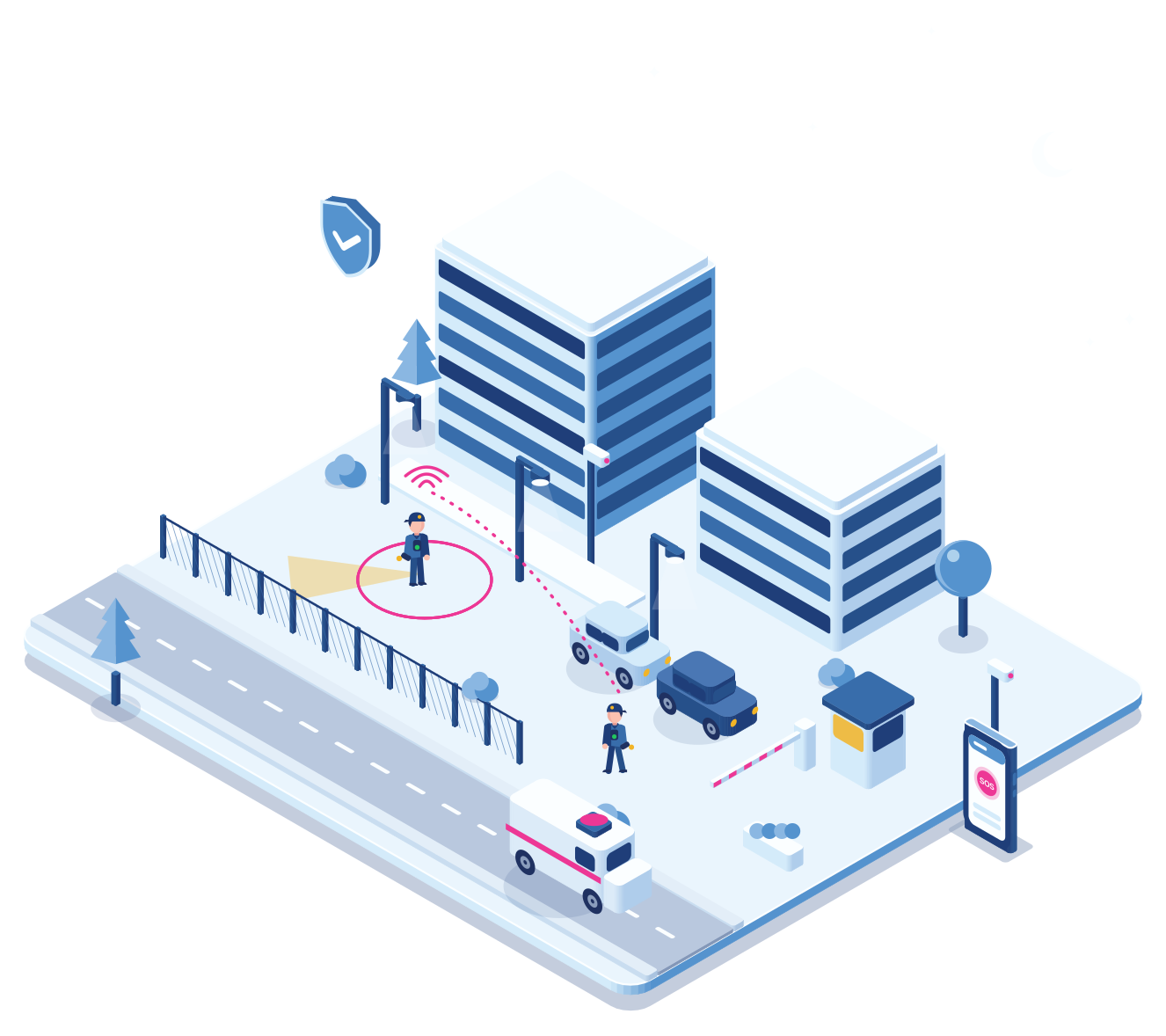
A client’s night staff, technicians or drivers carry a TWIG with man down detection, or use the app. With a TWIG One your operator can talk to them over two-way voice, and your guards are the ones who respond.
Fixed buttons
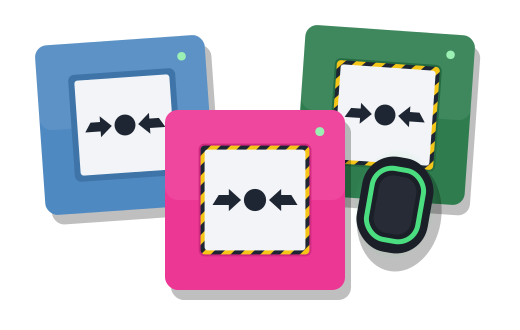
Ajax Buttons under desks and wall call points at receptions, counters and in stairwells.
The app for everyone
Client staff and your own people use the app for SOS, man down and assistance requests.
Your control room
Handle alarms in the built-in alarm environment, or forward them to an alarm centre.
Your brand
Portal, app, emails, SMS and voice messages under your own name.
Why security companies choose it
More to sell on every contract
Say yes to more questions
A client asks about lone workers, a reception or a night shift. You have an answer for each, from the same platform.
One screen
Fixed buttons, wearables and phones end up in the same alarm view, so operators do not switch between systems.
Recurring revenue
Personal safety becomes a monthly line on every contract. And as you add devices, your cost per device goes down, so your margin grows with every client.
Up and running within a week
Existing Ajax installations stay. Add the hub to Cuebly, hand out devices or the app, and go live.
Getting started
From first client to service line
Connect the Ajax Hub
Link the hub at the client’s site to Cuebly and choose which buttons and call points start a scenario.
Under an hour
Add the people
Hand out wearables or invite staff to the app, in the client’s own environment.
Same day
Write the scenarios
Decide who gets which alarm: your control room, the nearest guard, the client’s contact.
Under an hour
Report and grow
Send the client a monthly report and copy the setup to the next client.
Minutes, from a template
Explore
Related
Scenarios, alarm centre connections and the log.
SOS, man down, the lone worker timer and assistance requests.
A separate environment for every client, under your brand.
Questions
Frequently asked questions
Cuebly connects to the Ajax Hub. Buttons, the wall call points and other detectors on that hub can start a Cuebly scenario, next to the wearables and the app.
Yes. Alarms go to your own control room in the built-in alarm environment, or to an external alarm receiving centre over SIA DC-09, REST, SOAP, MPTP, XML or a custom protocol.
A dedicated device such as a TWIG with man down detection, or the Cuebly app with SOS, man down, the lone worker timer and assistance requests. Both can be mixed in one team.
Yes. Portal, app, emails, SMS and voice messages run under your name and domain. Your clients see your security company, not Cuebly.
Yes. Any device can get a fixed spot on the client’s floor plan, dragged into place like a beacon. An alarm from a button under a desk then always shows that desk, whatever the device reports.
One fixed price per device per month, with everything in it. The more devices you run, the lower the price per device.
Yes. Give a client’s receptionist a fixed Ajax button, their lone workers a device or the app, and handle the alarms in your control room. It becomes part of your service contract.
Demo
See an Ajax alarm reach your control room
In the demo we press a button, follow the alarm and send a guard.