
Use case · Local government
Personal safety for municipal staff who visit residents alone
Benefit officers, social workers, youth care and enforcement officers go into homes and neighbourhoods on their own. Aggression against people with a public task is taken seriously. The alarm should be too.
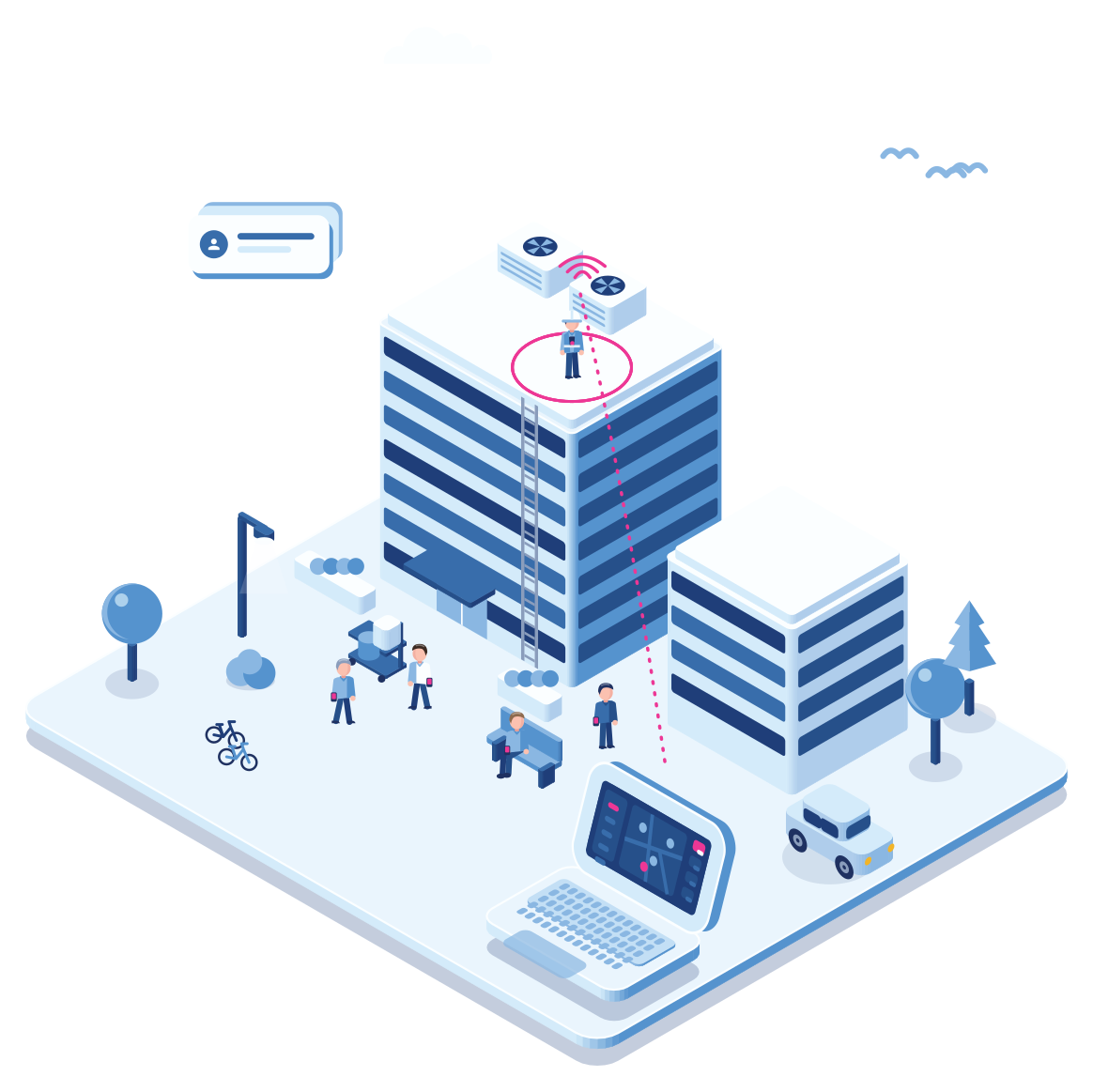
- Home visit
- Visit timer
- Silent alarm
- Enforcement
- Public task
A home visit
A benefit check that gets out of hand
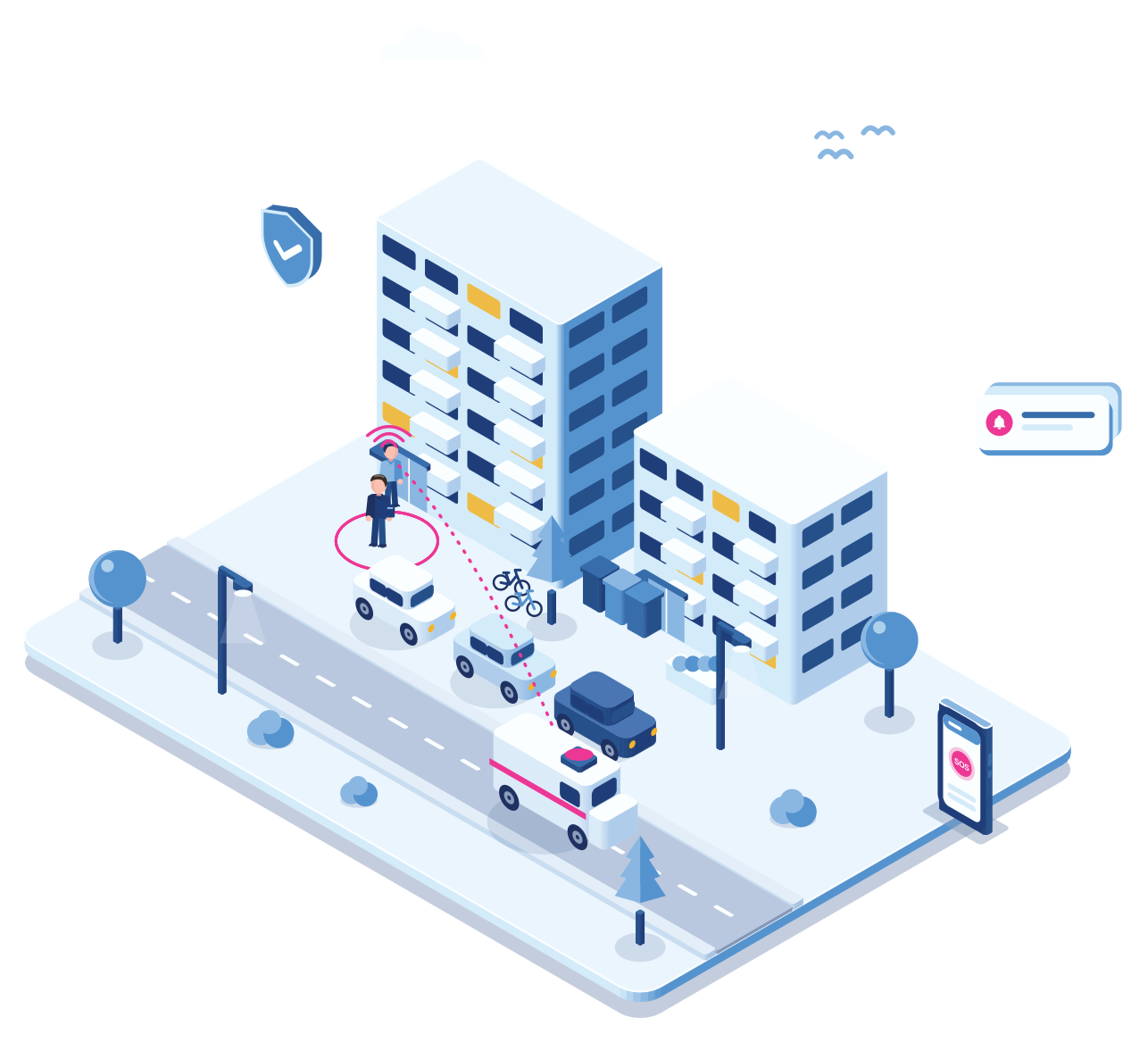
Step 1 · Planned
A benefit check at home
The benefit officer rings the bell for a planned check. The Cuebly app is on the work phone.
Step 2 · Escalation
The resident becomes threatening
The news is not what the resident hoped for. Voices get raised and the officer feels unsafe.
Step 3 · Alarm
A discreet alarm
A press on the hidden button, or on the “Threat” button in the app, sends the alarm with the location.
Step 4 · Response
The protocol takes over
The alarm goes to the municipality’s own security desk or an alarm centre, which follows the aggression protocol and calls the police when needed.
Step 5 · Follow-up
Everything is on record
The log supports the incident report, the follow-up with the employee and, if needed, a report to the police.
A polite way out
A timer that gets you out of the room
Set a timer for the visit. Don’t cancel it in time, and your phone rings.
Say a visit may take 15 minutes. If the timer isn’t cancelled in time, which can be done discreetly, Cuebly sends a voice message to your own phone: a colleague with something urgent. You excuse yourself and leave, or wrap up quickly. People usually accept that without question. It keeps the schedule on track, and if something is brewing, it gives you a natural moment to go.
- Cancel discreetly when all is well
- A call from “a colleague” when it isn’t
- Leave on time, without a scene
Why it fits
For people with a public task
Fits the aggression protocol
Most municipalities have an agreed approach to aggression and violence. The alarm and the log make it work outside the office.
One platform for every department
Social affairs, youth care and enforcement each get their own settings and response, in one environment.
The front desk too
A button under each desk gets a fixed place on the floor plan, so colleagues and security see exactly which desk the alarm comes from.
European hosting
Hosted in the EU and built for GDPR, which matters for a public organisation.
Getting started
For a municipality
Start with the field teams
Pick the departments that visit residents most often.
One conversation
Agree the response
Link the alarm to your security desk, an alarm centre or both, in line with your protocol.
Under an hour
Roll out the app
Staff get an invite for the app, with buttons and timers set per department.
Same day
Evaluate
Review the alarms and near misses with the municipality every quarter.
Quarterly
Explore
Related
A discreet alarm for visits at the door.
Which sectors face the most aggression.
Lone worker regulations in Europe
What employers are expected to do.
Questions
Frequently asked questions
Yes. Each department can have its own buttons, timers and response, while the municipality keeps one overview.
Yes. Alarms can go to your own desk in the built-in alarm environment, to an external alarm centre, or both.
In the EU. Cuebly is built for GDPR and supplies the documentation a public organisation needs.
Not for most. The app runs on the work phone. A discreet button or a dedicated device is available for staff who want one.
Create a customer environment for the municipality under your own brand, with settings per department. You set your own price; you pay Cuebly per device.
Demo
See it for your field teams
In the demo we set up a department and follow a silent alarm to the security desk.