
Use case · Security companies
Become the alarm centre for your clients, without buying ARC software
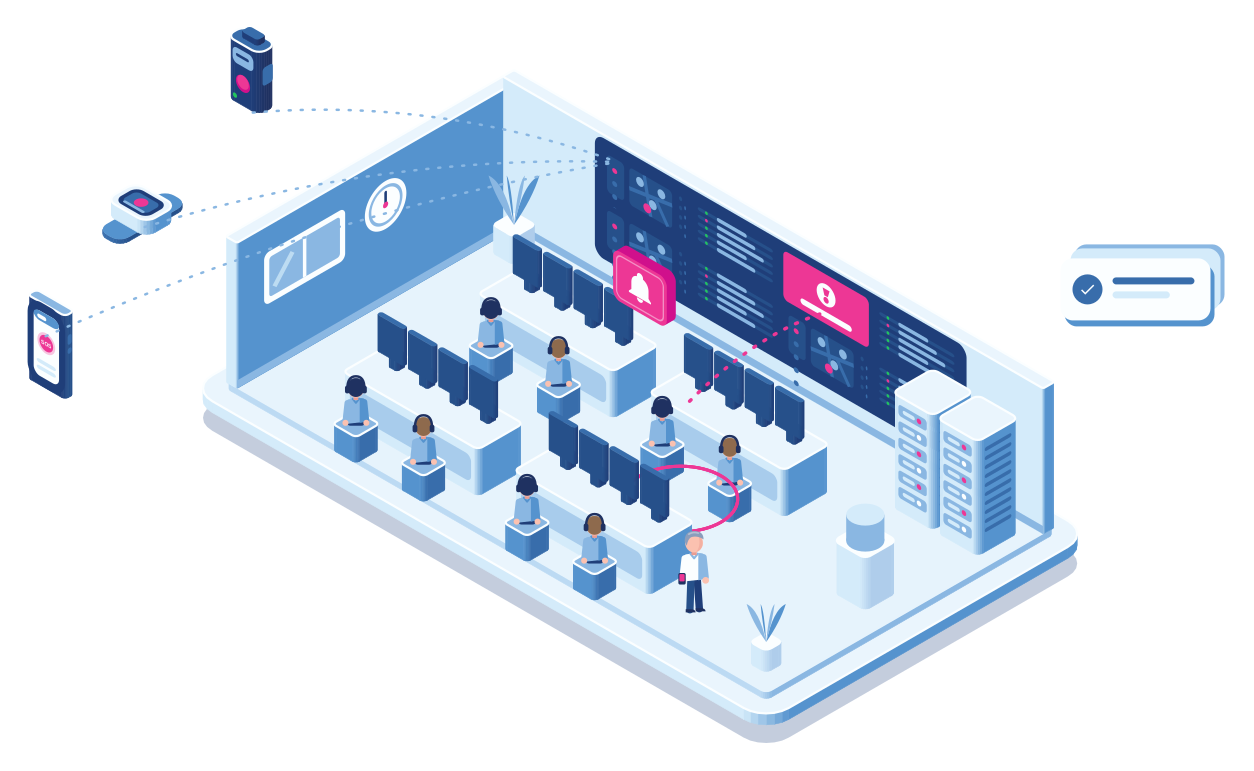
Dedicated alarm receiving software is expensive, and most security companies don’t have it. Cuebly has an alarm environment built in. Your operators see every alarm in real time and handle them together, under your own name.
- Built-in ARC
- Real time
- Several operators
- Voice from the browser
- Your brand
A busy night
Two alarms, two operators, one screen
Step 1 · Alarm
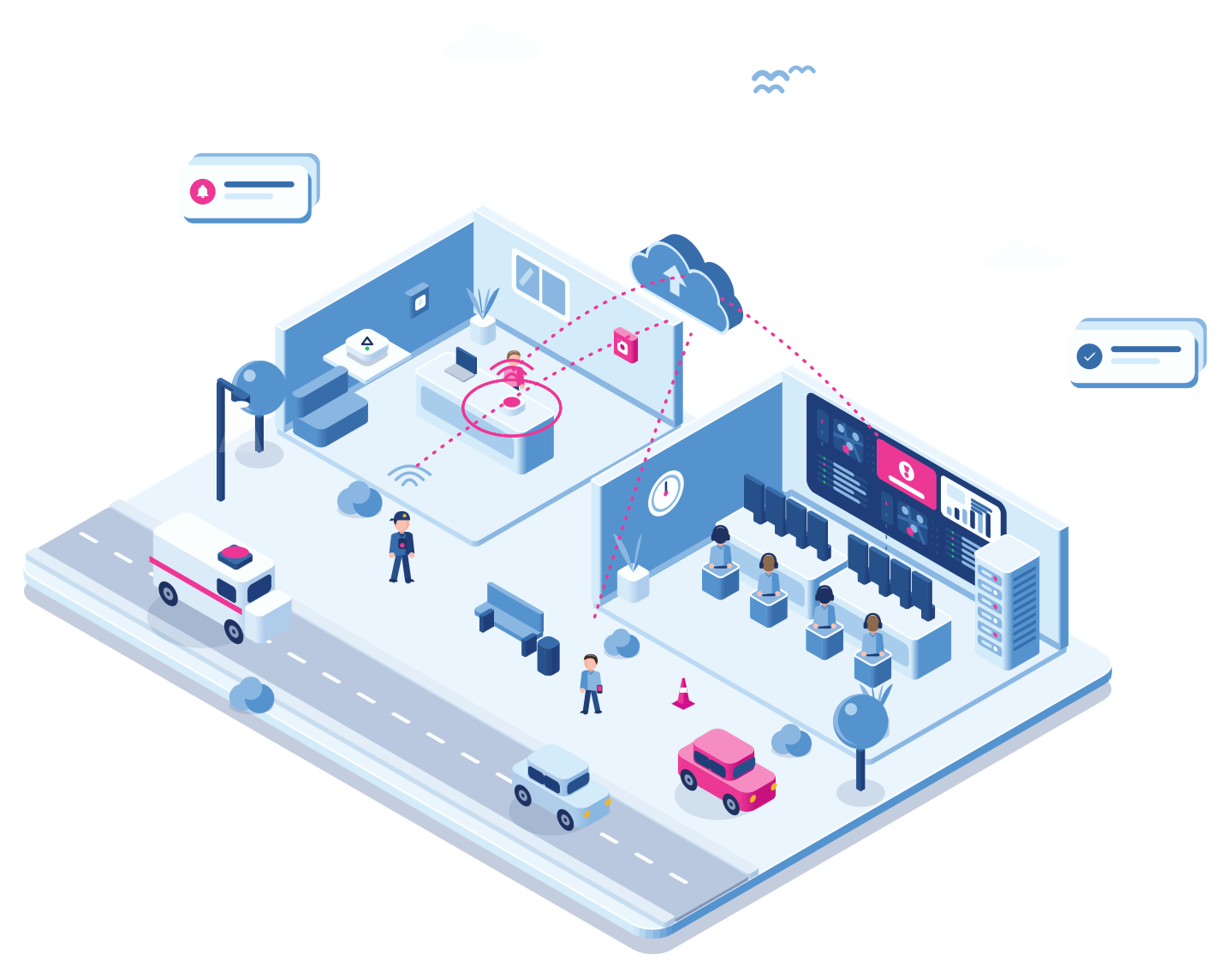
A night nurse presses SOS
At a client’s care home, a night nurse presses SOS in the Cuebly app.
Step 2 · Real time
It appears straight away
The alarm shows up in the built-in alarm environment, in real time, with the client, the person and the location.
Step 3 · Together
Two operators, two alarms
At the same moment an Ajax button goes off at another client. Two operators are logged in at once, and each takes one of the alarms.
Step 4 · Contact
The operator gets in touch
With one click in the browser the operator opens a voice call to the nurse’s phone, listens in first or talks straight away, and sends a guard if needed. Prefer the phone? The call can also run as a two-way call through your phone centre.
Step 5 · Report
Closed and on record
The operator closes the alarm with notes. Everything is in the log, ready for the client’s monthly report.
Voice from the browser
Talk to them straight from the alarm screen
When the app raises an alarm, the operator starts a voice call from the browser with one click.
This also works with devices that support SIP. Each channel can be muted on its own, so the operator talks both ways, only listens in, or only speaks. Missed a word? Rewind a few seconds during the call to hear it again, then jump back to live.
- A voice call from the alarm in one click
- Mute each channel separately
- Rewind during the call to be sure of what was said
Why it fits
An alarm centre, built in
No ARC software to buy
The alarm environment is part of Cuebly. No separate licence, server or integration project.
Made for a team
Several operators work at the same time, each on their own alarm, all seeing the same live overview.
Every kind of alarm
Wearables, the app, Ajax buttons and machine inputs arrive in the same overview.
Talk from the browser
Open a voice call from the alarm, mute each channel as needed and rewind to hear something again.
Getting started
For a security company
Set up your operators
Give your operators an alarm manager role in the built-in alarm environment.
Under an hour
Set the alarm flow
Decide which operators get which alarms, and what happens when nobody responds in time, such as a call to your phone centre.
Under an hour
Add clients
Create an environment per client with their people and devices.
Minutes, from a template
Go live
Test an alarm from each type of device and start handling alarms.
Within a week
Explore
Related
Fixed buttons, wearables and the app together.
Keeping your own guards safe at night.
Compliance checklist for security companies
What to have in place.
Questions
Frequently asked questions
No. The built-in alarm environment is all you need to take and handle alarms, including voice calls from the browser.
Yes. Several users can be logged in at once, see all alarms in real time and each handle a different alarm.
Yes, as a real two-way call. The device can call your phone centre, or your phone centre calls the device and it answers automatically. You choose what suits you.
Yes. When the app raises an alarm, the operator starts a voice call straight from the browser. This also works with devices that support SIP. Each channel can be muted on its own, for a two-way conversation or for listening in only, and the operator can rewind during the call to hear something again.
One fixed price per device per month. You set your own price to your clients.
Demo
See the built-in alarm environment
In the demo two alarms come in at once and two operators handle them side by side.