
Use case · Housing associations
Safety for housing staff on the doorstep and in empty buildings
Housing officers talk to tenants about arrears, nuisance or an eviction. Maintenance technicians check boiler rooms and empty flats on their own. Both need a way to raise an alarm that works without a second thought.
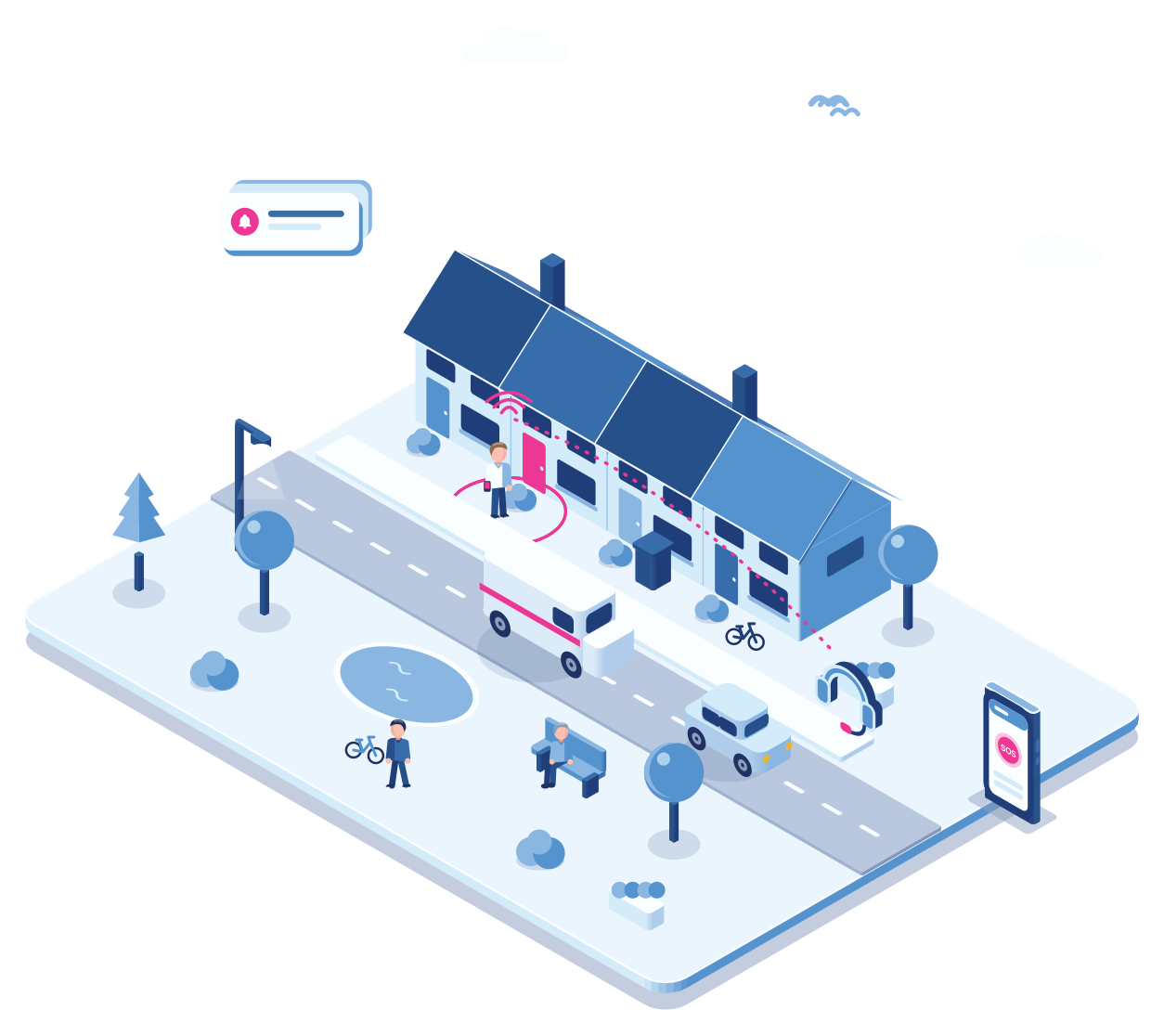
- Tenant visit
- Visit timer
- Silent alarm
- Man down
- Maintenance
Two kinds of risk
A tense visit and a fall in the basement
Step 1 · Visit
A talk about arrears
The housing officer rings the bell for a conversation that is expected to be difficult. The Cuebly app is on the work phone.
Step 2 · Alarm
The tenant becomes threatening
A silent alarm from the pocket reaches the office and your control room, with the location.
Step 3 · Elsewhere
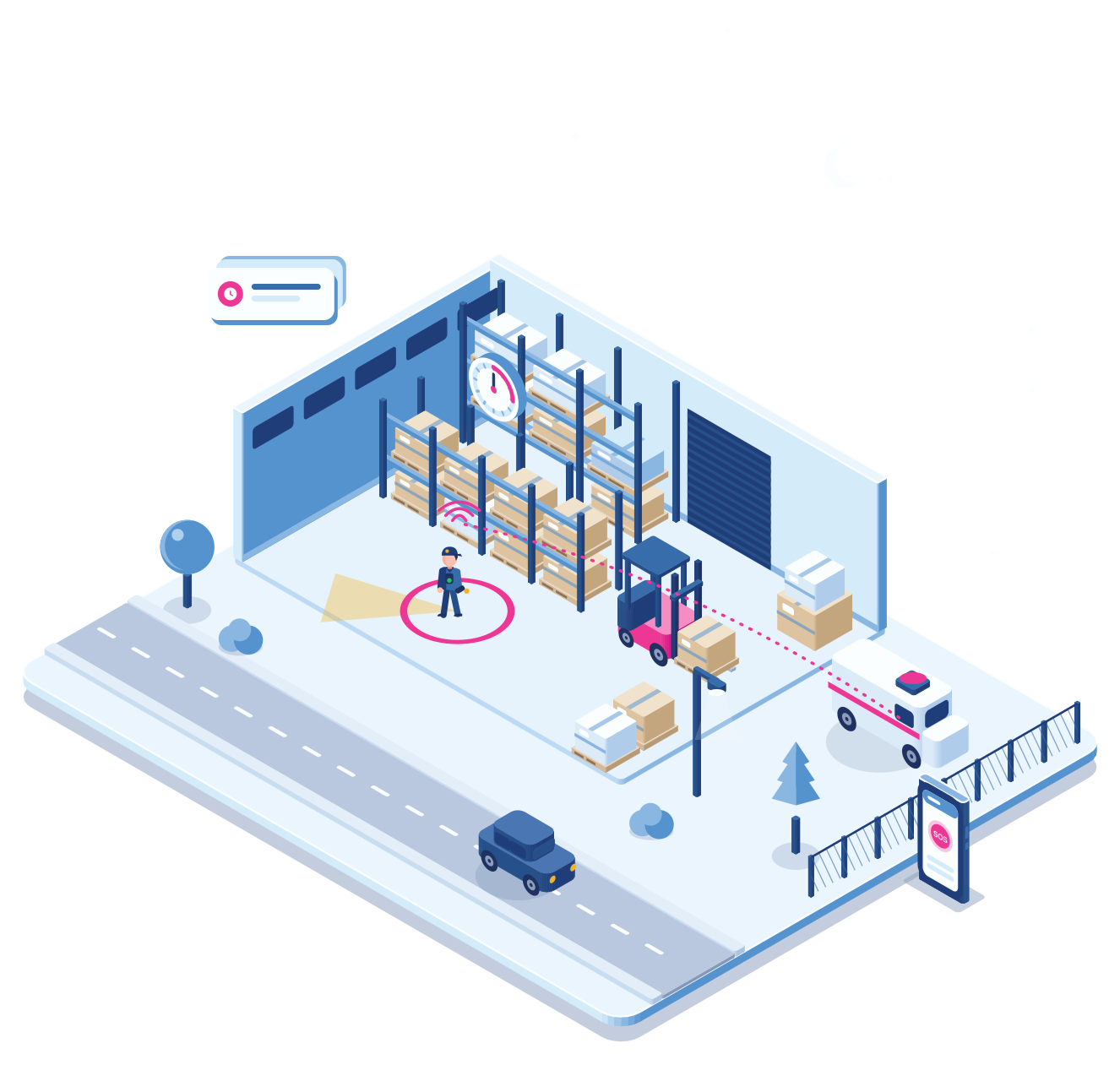
A technician in the basement
In another building a maintenance technician slips on the stairs to the boiler room and doesn’t get up.
Step 4 · Detection
The device notices
A TWIG with man down detection sends the alarm by itself. The nearest colleague gets an assistance request.
Step 5 · Overview
One log for both
Both incidents are in the same log, so the safety officer sees where the risks are.
A polite way out
A timer that gets you out of the room
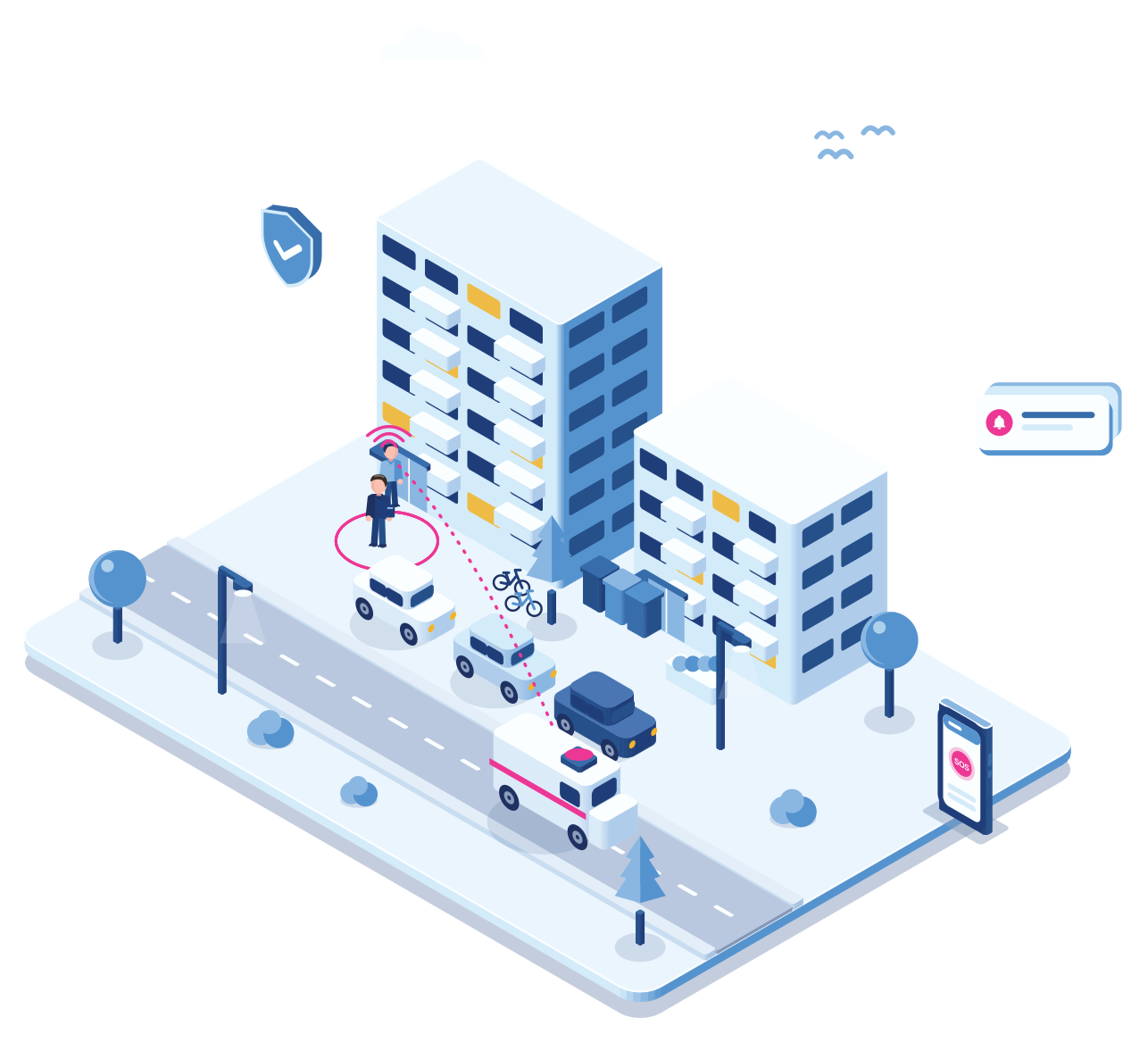
Set a timer for the visit. Don’t cancel it in time, and your phone rings.
Say a visit may take 15 minutes. If the timer isn’t cancelled in time, which can be done discreetly, Cuebly sends a voice message to your own phone: a colleague with something urgent. You excuse yourself and leave, or wrap up quickly. People usually accept that without question. It keeps the schedule on track, and if something is brewing, it gives you a natural moment to go.
- Cancel discreetly when all is well
- A call from “a colleague” when it isn’t
- Leave on time, without a scene
Why it fits
One platform for office and maintenance staff
App for the officers
Housing officers use the app on their work phone, with a timer for visits if they want one.
Devices for technical staff
Maintenance technicians get a rugged device with man down detection.
One team
An alarm from a technician’s device reaches colleagues with the app, and the other way round.
Building locations
Beacons in boiler rooms and basements tell responders where in the building to look.
Getting started
For a housing association
Map the roles
Housing officers and technical staff: decide who gets the app and who a device.
One conversation
Set the response
Office, your control room or an alarm centre, per type of alarm.
Under an hour
Roll out
Invite officers to the app and hand out devices to technical staff.
Within a week
Add beacons later
Place beacons in the buildings where technicians work alone most.
When needed
Explore
Related
Lone worker app or dedicated device?
Why most organisations use both.
How automatic fall detection works.
Indoor positions in buildings and basements.
Questions
Frequently asked questions
Yes. The app and dedicated devices work in one team, so everyone gets what fits their work.
Yes, based on the phone’s movement. For physical work in basements and on stairs a dedicated device is usually the better choice.
With beacons, yes: the floor and the zone, such as the boiler room. Beacons are included in the device price.
Your office, a security company’s control room or an alarm centre, per type of alarm.
Create a customer environment for the association under your own brand, with the app for officers and devices for technical staff. You set your own price; you pay Cuebly per device.
Demo
See both sides in one demo
In the demo we raise a silent alarm in the app and a man down alarm from a device, in one team.