
Use case · Home care
A personal alarm for home care workers, on every visit
Care workers go into other people’s homes alone, often late in the evening. Most clients are glad to see them. When a visit turns unsafe, one discreet alarm is enough to get help on the way.

- Evening round
- Programmable button
- Silent voice link
- Aftercare
- Evidence
An evening round
When a client’s visitor turns aggressive
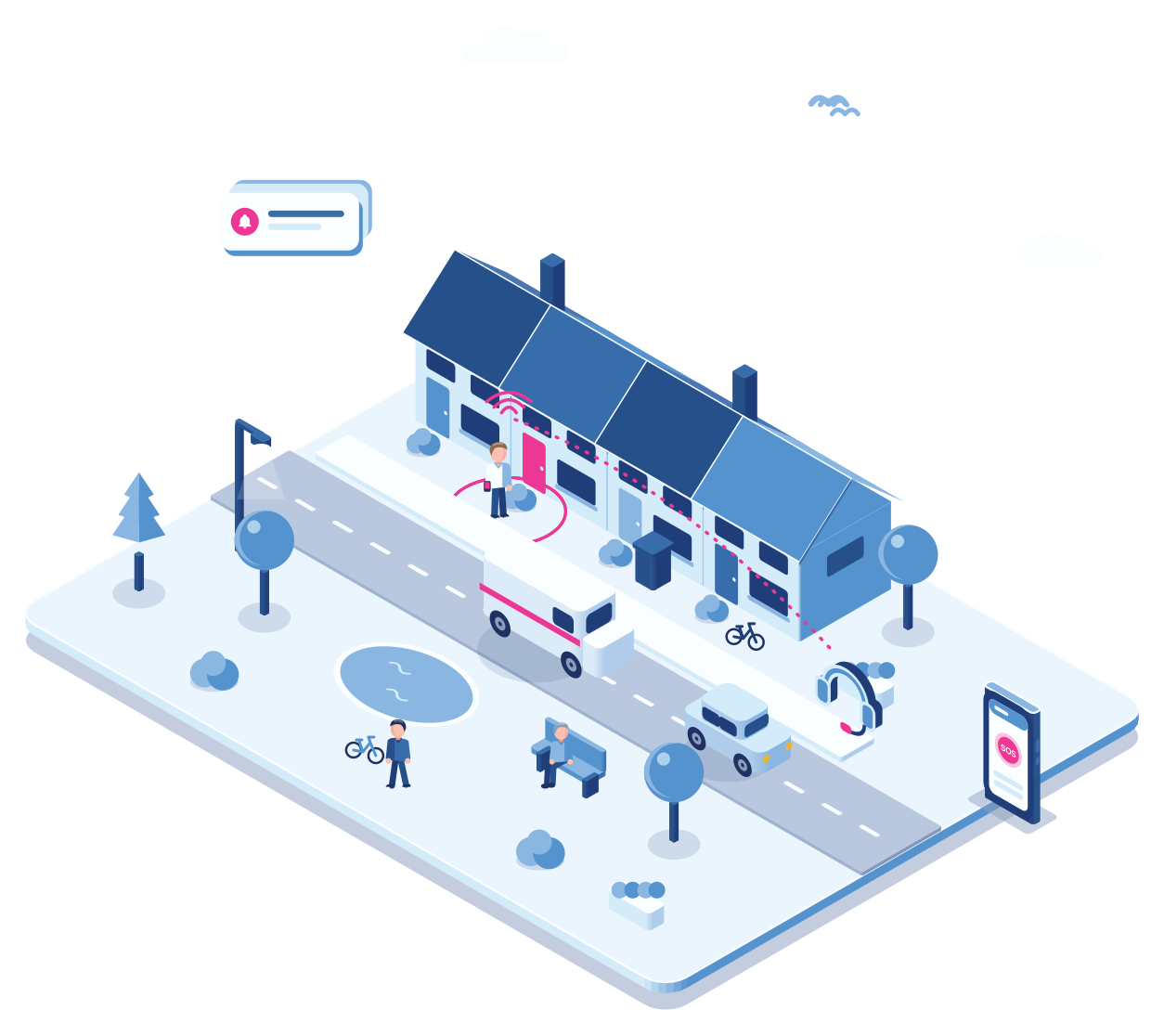
Step 1 · On the way
The round starts
The care worker has eight clients tonight and wears a small alarm device on the lanyard.
Step 2 · Inside
The atmosphere changes
A family member of the client is drunk and blocks the door. The care worker wants to leave, calmly.
Step 3 · Alarm
A press on the programmable button
Without looking, the care worker presses the device’s programmable button. It starts the aggression scenario, and nobody in the room notices.
Step 4 · Listening in
A silent voice link to the responder
The device quietly opens a voice connection to the alarm responder, who hears what is happening, judges the situation and sends a colleague or the police.
Step 5 · Aftercare
Care for the carer
The same evening the team leader calls the care worker to see how they are doing. If a police report is needed, the recorded audio can serve as evidence.
A polite way out
A timer that gets you out of the room
Set a timer for the visit. Don’t cancel it in time, and your phone rings.
Say a visit may take 15 minutes. If the timer isn’t cancelled in time, which can be done discreetly, Cuebly sends a voice message to your own phone: a colleague with something urgent. You excuse yourself and leave, or wrap up quickly. People usually accept that without question. It keeps the schedule on track, and if something is brewing, it gives you a natural moment to go.
- Cancel discreetly when all is well
- A call from “a colleague” when it isn’t
- Leave on time, without a scene
Why it fits
Built around the care round
Nobody notices
A programmable button on a small device raises the alarm by touch, without taking out a phone.
Someone listens along
A silent voice connection lets the responder judge the situation before sending help.
Colleagues first
An assistance request goes to colleagues nearby, and everyone sees who is on the way.
Device and app together
Workers can also use the app, with an “Aggression” button on the home screen. The programmable button on their device stays the discreet way to raise it.
Getting started
For a home care organisation
Pick the teams
Start with the teams that work evenings or visit the most difficult addresses.
One conversation
Hand out devices
Give each care worker a small alarm device, configured over the air, and the app if they want it.
Same day
Set the response
Choose what the button does, who listens in and who handles aftercare.
Under an hour
Review monthly
Look at the alarms per team with the organisation and adjust.
Monthly
Explore
Related
Healthcare: community care teams
More on safety in community care.
Buttons on the home screen that start their own scenario.
Mobile phone protection: enough?
When the app is enough and when a device is better.
Questions
Frequently asked questions
Not always. A small device with a programmable button is the most discreet, and many have a voice connection. The app works too, and an Emerit e-B10 button can be paired with it.
Yes. Man down detection in the app uses the phone’s movement, with a pre-alarm the worker can cancel.
You decide per button: colleagues nearby, the team leader, a 24/7 alarm centre, or all of them in a set order.
Yes. The voice connection after an alarm can be recorded, and that recording can serve as evidence if a report is needed.
The app sends the GPS position, which shows the street and the building. Indoor positions need beacons, which is more for care homes than for home visits.
Create a customer environment for the organisation under your own brand, invite the care workers and set the buttons and response. You set your own price; you pay Cuebly per device.
Demo
See a silent alarm on the care round
In the demo we press a device’s button and listen in on the silent voice connection.