
Personal safety platform
White-label personal safety platform for TWIG, Emerit and every other device you sell
Cuebly is where system integrators and security companies run their safety service. TWIG badges, Emerit watches, Teltonika trackers and our own app all end up in the same dashboard. Your customers only see your brand.
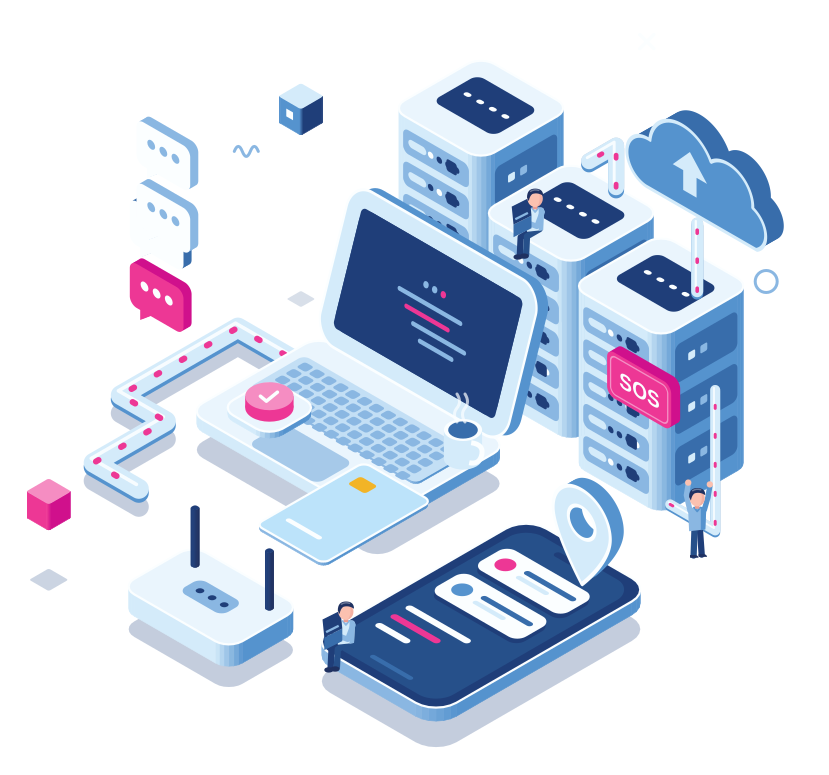
- TWIG
- Emerit
- Man down alarm
- Teltonika
- Cuebly app
>99.99%
Platform uptime, see our status page
15+
European countries
30+
System integrators
10+
Languages in the platform and app
24/7
Alarm receiving centre integration
Supported device brands. The list keeps growing.
- TWIG
- Emerit
- Teltonika
- Eview
- Queclink
- Cuebly app
- Ajax
- iBeacon
The journey of an alarm
What happens when someone on your customer’s site falls
Step 1 · The alarm
The TWIG One raises the alarm
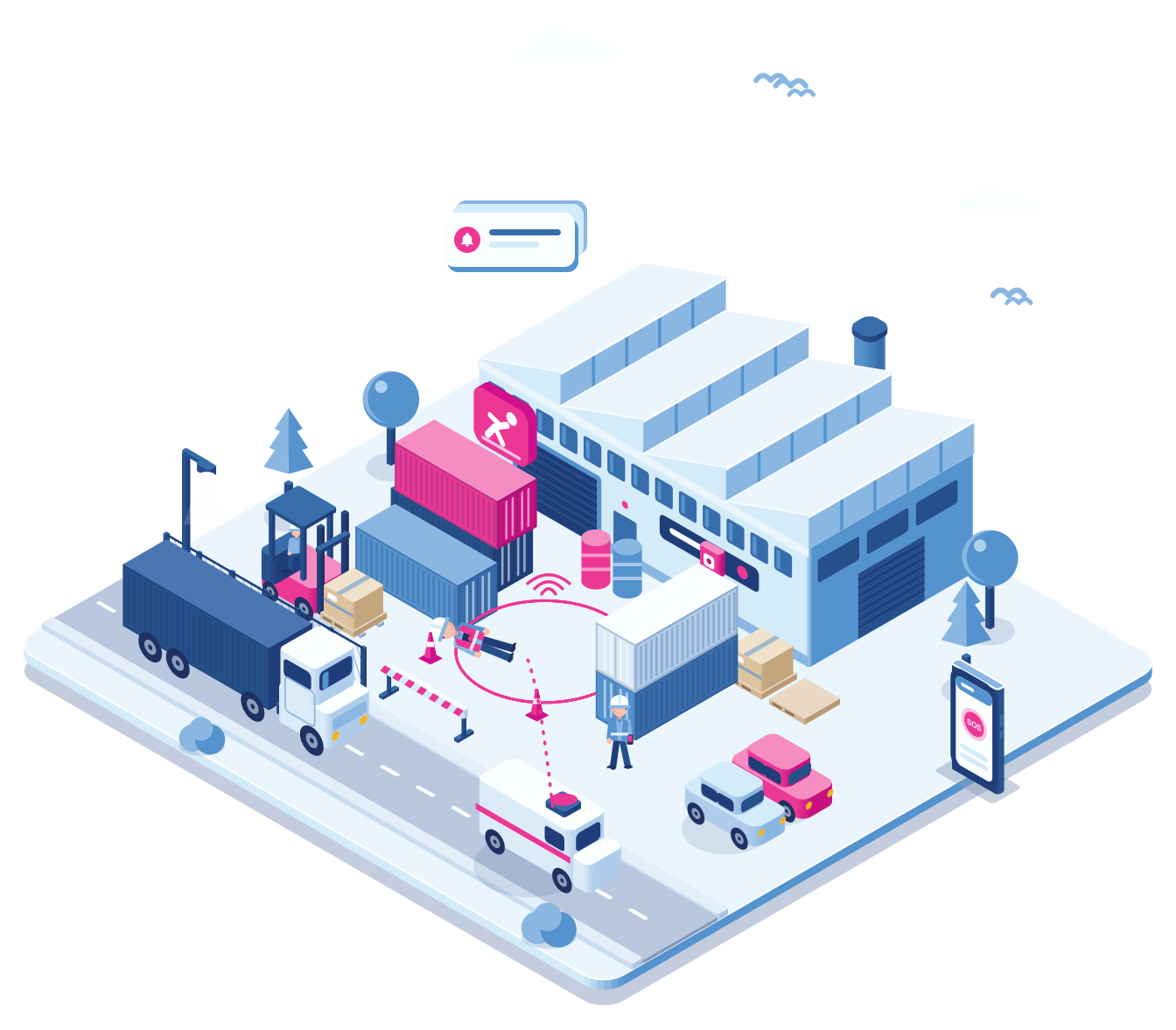
A warehouse worker falls and doesn’t get up. The TWIG One they carry notices there is no movement and sends a man down alarm with the location. Nobody had to press anything.
Step 2 · Cuebly receives it
It arrives in the right customer environment
It could just as well have come from an Emerit watch or the app, that makes no difference to Cuebly. The alarm shows up in this customer’s environment with the user’s name, the location and, indoors, the beacon zone.
Step 3 · The scenario
The scenario takes over
What happens next is something you set up per customer. On this site the two nearest colleagues get an assistance request in the app, the team leader gets an SMS, and the alarm goes to the alarm receiving centre over SIA DC-09.
Step 4 · Help responds
A colleague accepts
One colleague taps accept. The others see it straight away, so they don’t all run to the same spot. Meanwhile the operator at the alarm centre follows the live location and talks to the worker over the two-way voice connection of the TWIG One.
Step 5 · On record
It’s all in the log
Afterwards you can see who was alerted, who accepted and how long it took. It’s in the reports for that customer, ready for the evaluation or an audit.
Features
What’s in the platform
Everything works per customer environment and in your brand.
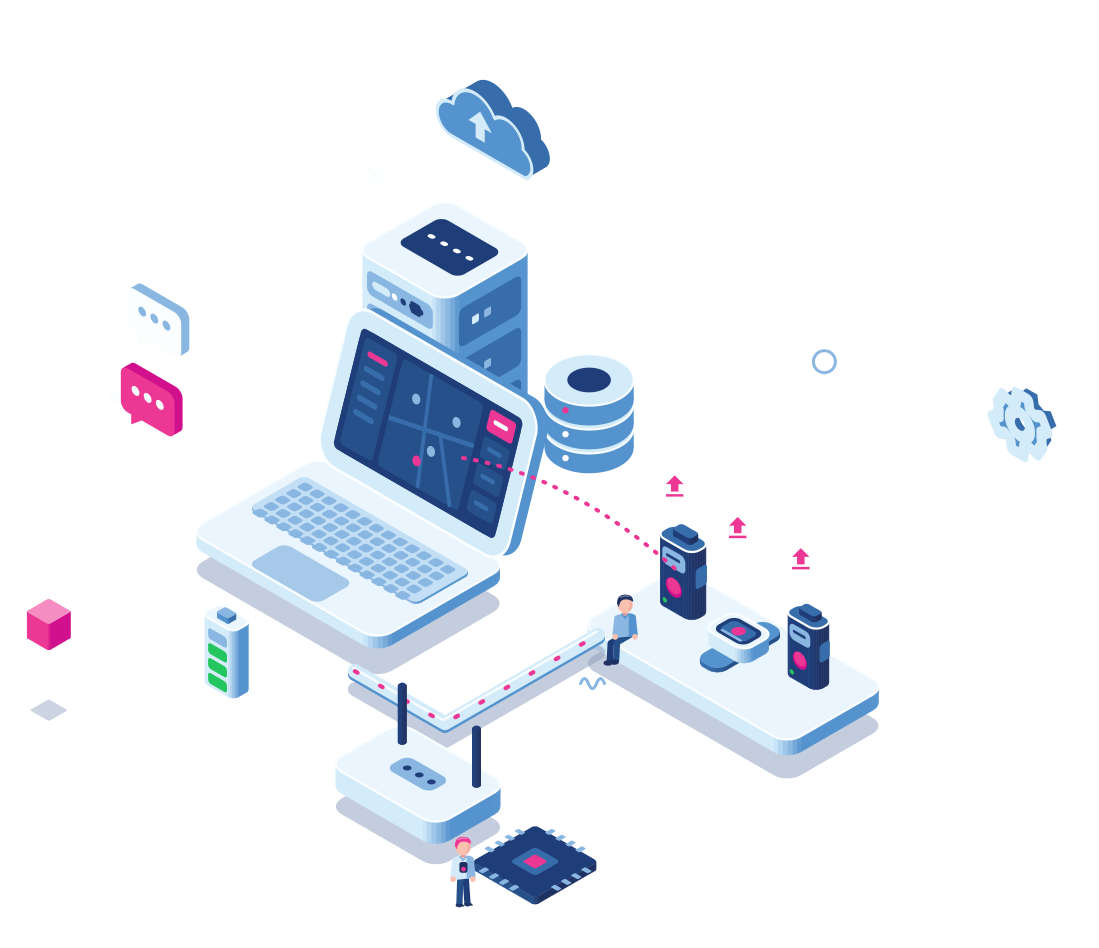
Device management for every brand
Manage TWIG, Emerit, Teltonika, Eview and Queclink devices from one place. Devices are already linked to the right customer. When one is switched on, it gets its configuration over the air and can be used straight away.

Your brand, everywhere
Add five DNS records to your domain. After that the portal runs on your domain, emails come from your address, and SMS and voice messages come from your own number. The app is fully branded along with it, at no extra cost.
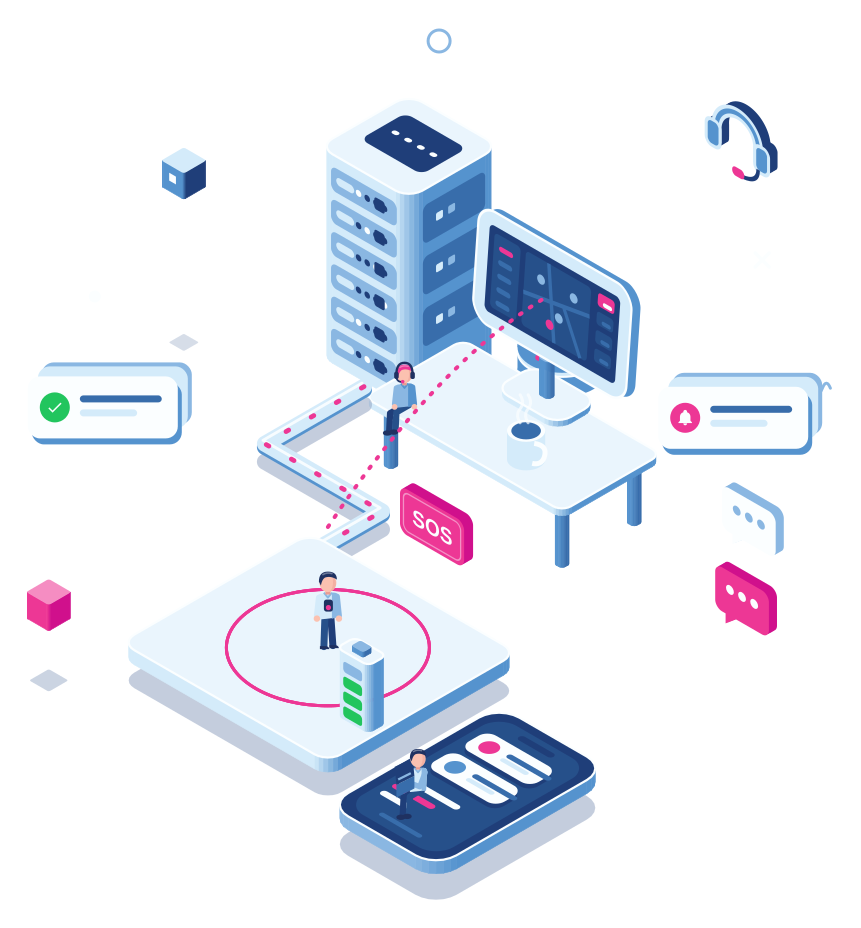
Alarm centre integration
SIA DC-09, REST, SOAP, MPTP and XML. Does your alarm centre use something else? We build custom protocols too.
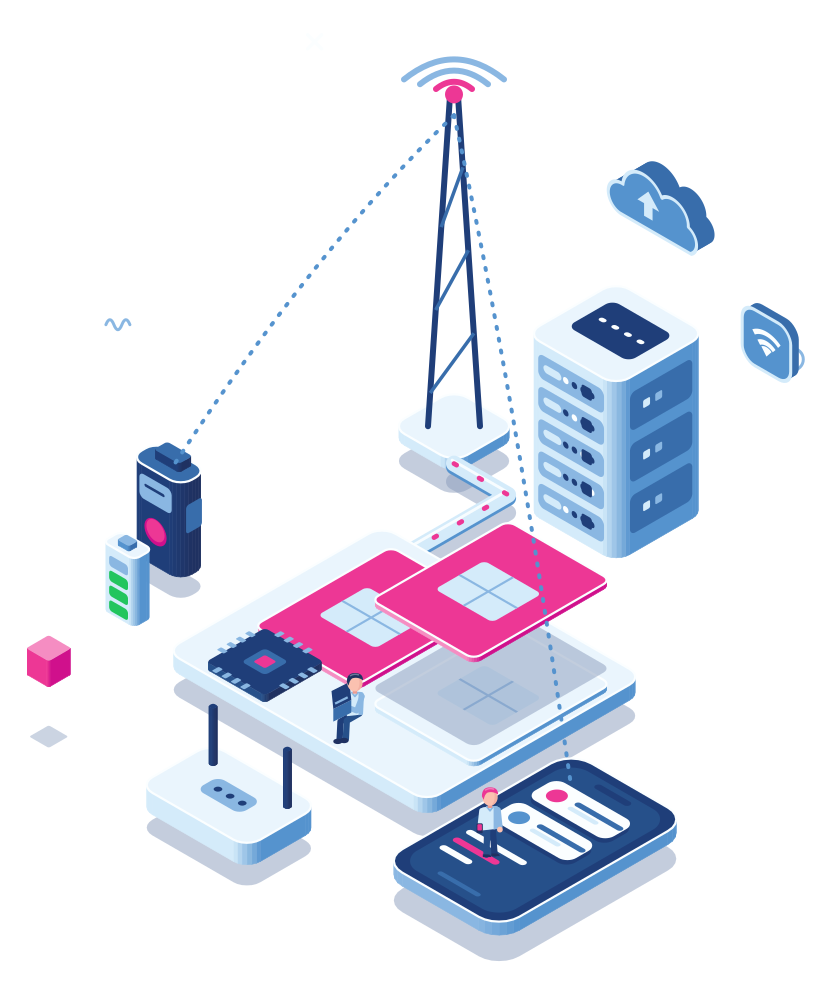
SIM cards and connectivity
Non-steered European SIMs. If one network drops out, the device switches to another.
Indoor location
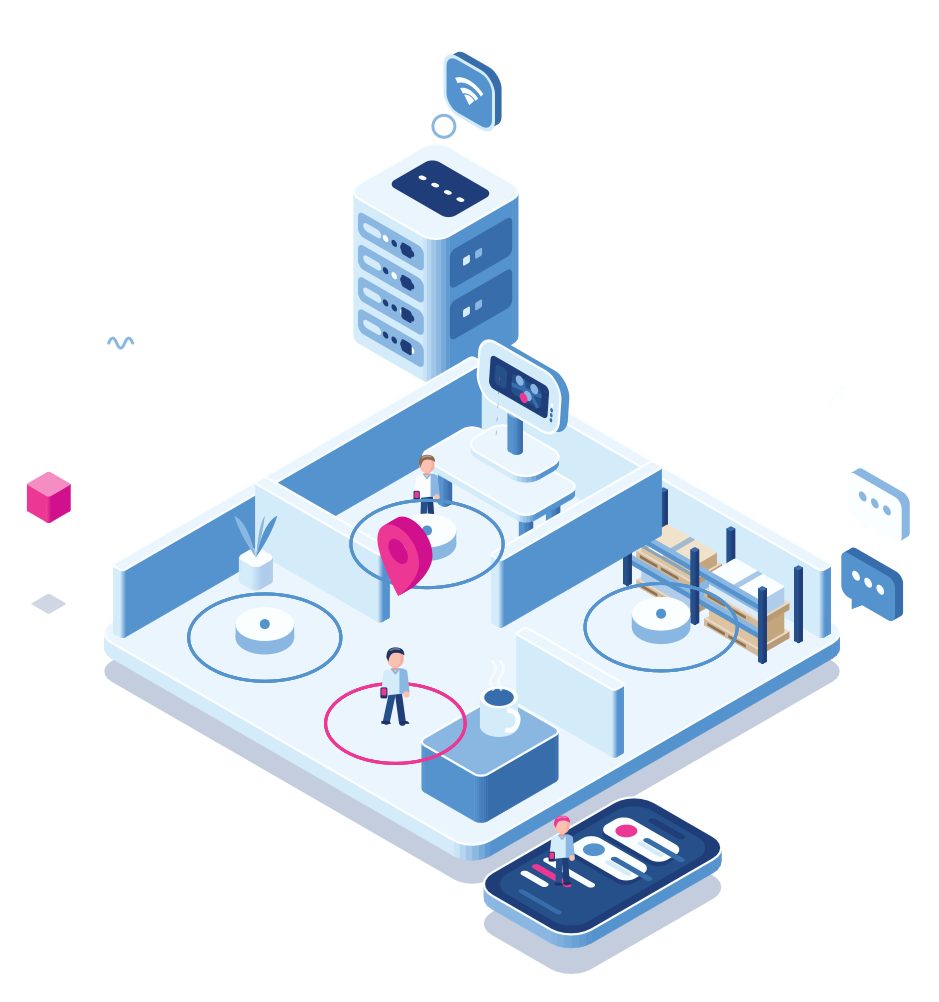
Upload a floor plan, place the beacons and see which zone someone is in. Beacons are included in the device price.

Reports
Billing reports so you can invoice your customers. Also device activity, live logging per device and attendance.
Scenarios
Pick a trigger, like SOS, man down or a missed check-in, and decide what follows. That can be an SMS, a call, an app alert, an assistance request, a webhook or the alarm centre.
Our partners
Who works with Cuebly
We don’t sell to end users. Our partners do, under their own name. Most of them fall into one of these groups.
System integrators
One platform for every brand you carry
You already sell and install safety hardware. On Cuebly you run all of it for dozens of customers at once: a care organisation with the app and a few Emerit watches, a factory with TWIG One alarms and beacons in the halls, a utility with Teltonika trackers in the field. Each customer gets their own environment and only sees your brand.
Security companies
Personal safety as part of the service contract
Night shifts, mobile patrols, a single guard on a client’s site. Security companies use Cuebly to add personal safety to their contracts, with alarms going to their own control room or to an external alarm centre. With the Ajax integration, panic buttons and wall call points on the client’s site start the same scenarios.
Alarm receiving centres
One connection instead of one per brand
Normally every device brand means another connection to build and keep running. Through Cuebly an alarm centre receives alarms from all brands over one connection, in the protocol it already uses, with the user, the location and the alarm type attached.
Why vendor-independent
Most device platforms only know their own brand
That works as long as all your customers use the same device. In practice they rarely do. Use the switch to compare.
Single-vendor platform | Cuebly
Devices
One brand only
Every brand, plus the Cuebly app
Your brand
The vendor’s name on every screen
Your domain, logo, emails, SMS and voice number
Alarms
Forwarded by email or SMS
Scenarios, assistance requests and ARC forwarding
Customers
Sub-accounts, if any
A separate environment per customer, with roles per user
Beacons
Often charged per beacon
Included in the device price, however many you place
Reports
An event log to export
Billing, device activity, live logging and attendance
Vendor-independent
Why integrators choose a vendor-independent platform
Pick the device per customer
A cleaning company needs something different from a chemical plant. You choose the device that fits the job and the budget, and it all runs on the same platform.
Less dependent on one supplier
If a manufacturer raises prices, has delivery problems or stops a model, you move to another brand. Your customers keep their environment.
The customer stays yours
Your customers log in to your portal and use your app. The device maker and Cuebly stay in the background.
New devices without migrating
When we add a new device brand, it shows up in the platform you already use. There is nothing to move.
Pricing
Pay‑as‑you‑grow pricing
You pay one fixed price per device per month. Everything is in it: customer environments, users, beacons and reports. There is no setup fee per customer.
The price works in tiers. Once you pass the next number of devices, the price per device drops, and it drops for all your devices, not only the new ones. As you grow, your margin grows with you, without renegotiating anything.
That keeps the sums simple. Before you send a quote you know what a new customer with forty devices will cost you, and that number only gets better.
How it works
How you get started
Set up your brand and first customer
Logo, colours, domain, and the first customer environment with its users and roles.
Usually under an hour
Connect devices
Devices are already linked to the right customer. They get their configuration over the air and are ready to use straight away. Large orders go in at once with a batch import.
Minutes, however many devices
Invite users
Users get an invite link, install the app and log in. They see your logo straight away.
Same day
Add the next customer
Copy a setup that works to the next customer. You pay one price per device, and that price drops as you grow.
Minutes, from a template

★★★★★
At Almas Industries, we chose Cuebly for its intuitive platform and reliable support. It enhances our efficiency and, most importantly, helps us keep our clients’ lone workers safe. The platform’s features give real peace of mind, making Cuebly a trusted partner in protecting our customers every day.
Nick Burke
Managing Director UK & Ireland, Almas Industries
Explore
Explore the platform
Each part of the platform has its own page with the details.
Over-the-air configuration, batch import and device status for every supported brand.
Separate environments per customer, roles per user, white-label and the reports you invoice from.
Non-steered European SIMs, data usage per device, and a block when a SIM ends up in another device.
Floor plans, beacon zones, geofences and Wi-Fi positioning for indoor locations.
SOS, man down, the lone worker timer and assistance requests on iOS and Android, in your brand.
Every supported device, and how we connect to alarm receiving centres.
How Cuebly compares if you work with TWIG devices today.
What Cuebly adds on top of Emerit’s own configuration tools.
When the app fits, when a dedicated device is better, and why most customers end up using both.
Questions
Frequently asked questions
TWIG (such as the TUP93EU, TUP92EU and TUP91EU), Emerit (e-RG360, e-WG200, the e-B10 button and e-BBE9 beacons), Teltonika, Eview and Queclink, plus our own app for iOS and Android. You can mix them within one customer.
TWIG Point is built around TWIG devices and Emerit Console is for configuring Emerit devices. Cuebly runs both brands, and others, in one platform, with your brand on it. We wrote a full comparison for each, see the links on this page.
Yes. You can use Cuebly SIMs, your own SIMs, or both. Many partners use Cuebly SIMs where coverage matters most and keep their existing contracts for the rest.
Yes. The platform is hosted in the EU and we follow ISO practices for data protection. We also supply the documentation you need to show your customers how their data is handled.
A simple customer environment usually takes less than an hour. With a template from an earlier customer it takes minutes. Larger projects with several sites or custom integrations take a day to a week, and we help with those.
With the white-label option you add five DNS records to your domain. The portal then runs on your domain, email is sent from your address, and SMS and voice messages come from your own number. The app is fully branded along with it, at no extra cost and without your own App Store account.
Yes. We send alarms over SIA DC-09, REST, SOAP, MPTP or XML, and build custom protocols when an alarm centre needs one. Each alarm includes the user, the customer, the alarm type, the time and the location.
Yes, with beacons. Emerit e-BBE9, TWIG SRD and standard iBeacon or Eddystone beacons all work. Upload a floor plan, place the beacons and define zones. Beacons are included in the device price. Where a building already has Wi-Fi, Wi-Fi positioning gives an accurate location without extra hardware.
One fixed price per device per month, with everything included: customer environments, users, beacons and reports. The price works in tiers, so the more devices you run, the lower the price per device. We call it pay-as-you-grow. You always know what you pay, and your margin grows with you.
Yes, to you as a partner. Most partners handle support for their own customers, and come to us with technical questions, integrations or project planning. We have documentation, training and a partner support team for that.
Demo
See it with your own devices
In the demo we show the platform with the devices and the kind of customers you work with. We’ll also talk about pricing.