
Use case · Opening and closing
Remote opening and closing escort, requested from the app
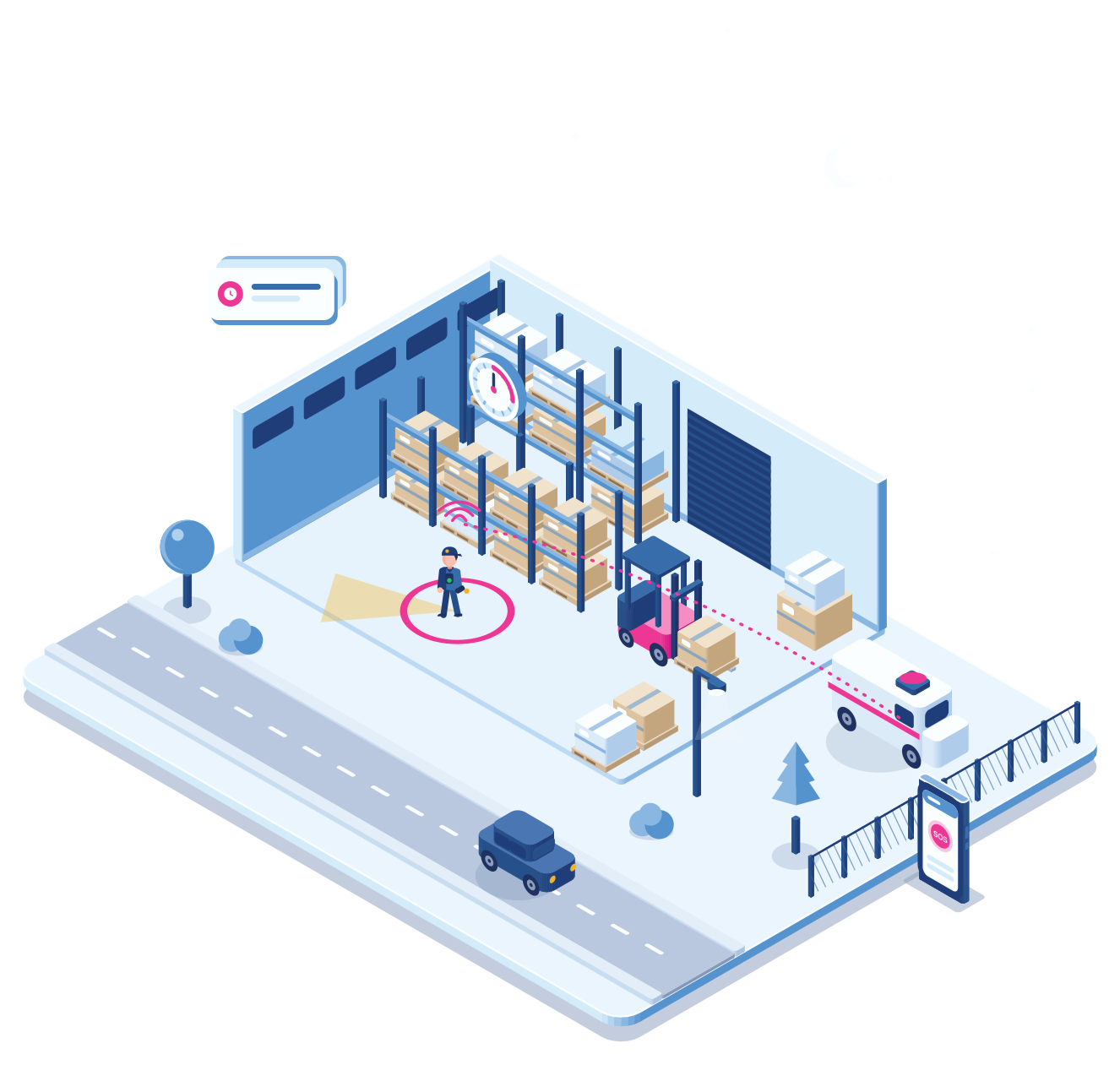
The last one out of the shop, the first one into the petrol station. With one tap the employee asks your control room to watch along on the cameras. The operator tells them in the app when it is safe, or sends a guard.
- Request closing escort
- Cameras on
- Safe to close
- Guard on the way
- Cuebly app
Closing time
Closing alone, with someone watching

Step 1 · Request
One tap in the app
At closing time the employee taps “Request closing escort” on the app’s home screen.
Step 2 · Watching
The control room looks along
The request appears in real time in Cuebly’s built-in alarm environment, or at the alarm centre you work with, with the location. Many camera systems can use the event from Cuebly to bring up the right camera stream for the operator straight away.
Step 3 · All clear
“Safe to close”
Nobody is waiting near the door or in the car park. The operator sends a message to the app: safe to close.
Step 4 · Or not
Something looks wrong
Someone is hanging around the entrance. The operator tells the employee to stay inside and sends a guard.
Step 5 · Done
The employee confirms
The employee locks up, confirms in the app and the escort ends. Everything is in the log.
Why it fits
One person can close safely
No second person needed
Shops, petrol stations and branches can close with one employee, because someone is watching along.
The request is one tap
A button on the app’s home screen starts the escort, no phone call or code needed.
The answer comes in the app
A clear message on the phone: safe to open or close, or stay inside.
The same app for emergencies
If something happens during the escort, the SOS and man down alarms are right there.
Getting started
For a retail chain or a security company
Link the cameras
Make sure the alarm centre can view the cameras of each site.
Per site
Add the button
Put “Request opening escort” and “Request closing escort” on the app’s home screen.
Minutes
Set the procedure
Agree with the alarm centre what they check and when they send a guard.
One conversation
Train the staff
Show employees how to request an escort and what the messages mean.
One shift
Explore
Related
Petrol stations and late night retail
Personal safety at night in retail.
Staff safety when the doors close.
Buttons on the home screen that start their own scenario.
Questions
Frequently asked questions
Your operators in Cuebly’s built-in alarm environment, or the alarm centre you work with. The cameras stay in your own camera system. Many camera systems can use the event from Cuebly to bring up the right stream for the operator straight away.
The alarm centre sends a message to the app: safe to open or close, or stay inside.
The employee can raise an SOS in the same app. The alarm centre is already watching and can send help straight away.
Yes. Opening and closing each get their own button and procedure.
Create a customer environment for the chain under your own brand, add the escort buttons to the app and agree the procedure per site. You set your own price.
Demo
See an escort request in the app
In the demo we request a closing escort and send the all-clear back to the app.