
Use case · Private clients
A personal alarm for private clients, with your control room behind it
A family that wants their children covered on the way to school. An entrepreneur who travels alone. A widow who lives on her own. Security companies offer each of them a personal alarm, with a real response behind it.
- Emerit watch
- SOS
- Fall detected
- Guard on the way
- Family app
One evening
An alarm from home, answered by people who know the client
Step 1 · Alarm
A fall in the hallway
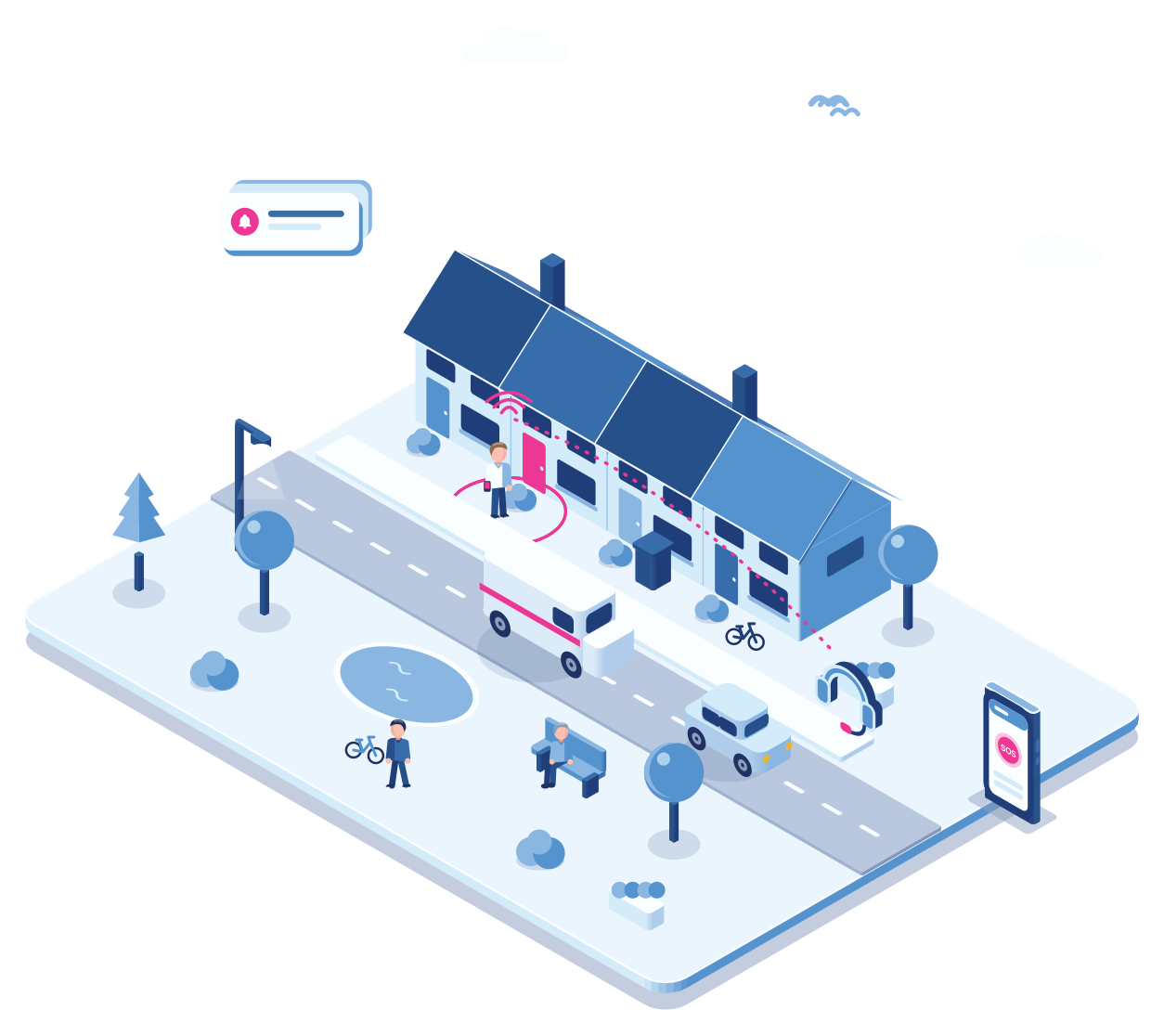
An older client lives alone. Her Emerit watch detects a fall and no movement, and raises the alarm.
Step 2 · Control room
Your operator sees who it is
The alarm reaches your control room with her name and location. Your team knows the agreements with her family, such as who has a key.
Step 3 · Contact
The operator talks to her
On a watch or device with voice, the operator can speak to her directly and hear how she is.
Step 4 · Help
Family and a guard
Her daughter gets a message in the app, and the nearest guard goes to the house with the key.
Step 5 · After
A report for the family
Time of the alarm, who responded and what was done, ready to share with the family.
Why it fits
A premium service your clients can feel
Discreet devices
A watch, a small button or just the app. A button by the bed or under the desk gets a fixed place, so the control room knows the exact room.
A response they know
The alarm reaches your control room, not an anonymous call centre. Your people know the client.
Family in the loop
Children or a partner can get the alarm in the app and see that help is on the way.
Your brand
The app, the messages and the calls come from your security company.
Getting started
For a security company
Define the service
Which devices, which response, and what it costs per month.
One conversation
Set up a client
Create the client with their people, devices, family contacts and notes.
Under an hour
Hand over the device
The device arrives configured over the air, ready to wear.
Same day
Test together
Run a test alarm with the client so they know what happens.
Ten minutes
Explore
Related
Own control room for security companies
Take alarms in your own control room.
How automatic fall detection works.
SOS, man down and the lone worker timer on a phone.
Questions
Frequently asked questions
Watches such as the Emerit, small buttons, Eview devices, or the Cuebly app on their own phone. Many clients combine a device with the app.
Yes. Add them as contacts in the scenario, with the app or by SMS.
Yes, on devices with voice such as the TWIG One. Otherwise the operator calls the client back.
Yes. The app, messages and calls carry the security company’s brand.
No. Cuebly works through security companies and integrators, who offer the service to their clients.
Demo
See the private client service
In the demo we set up a client, raise a fall alarm and show what the family receives.